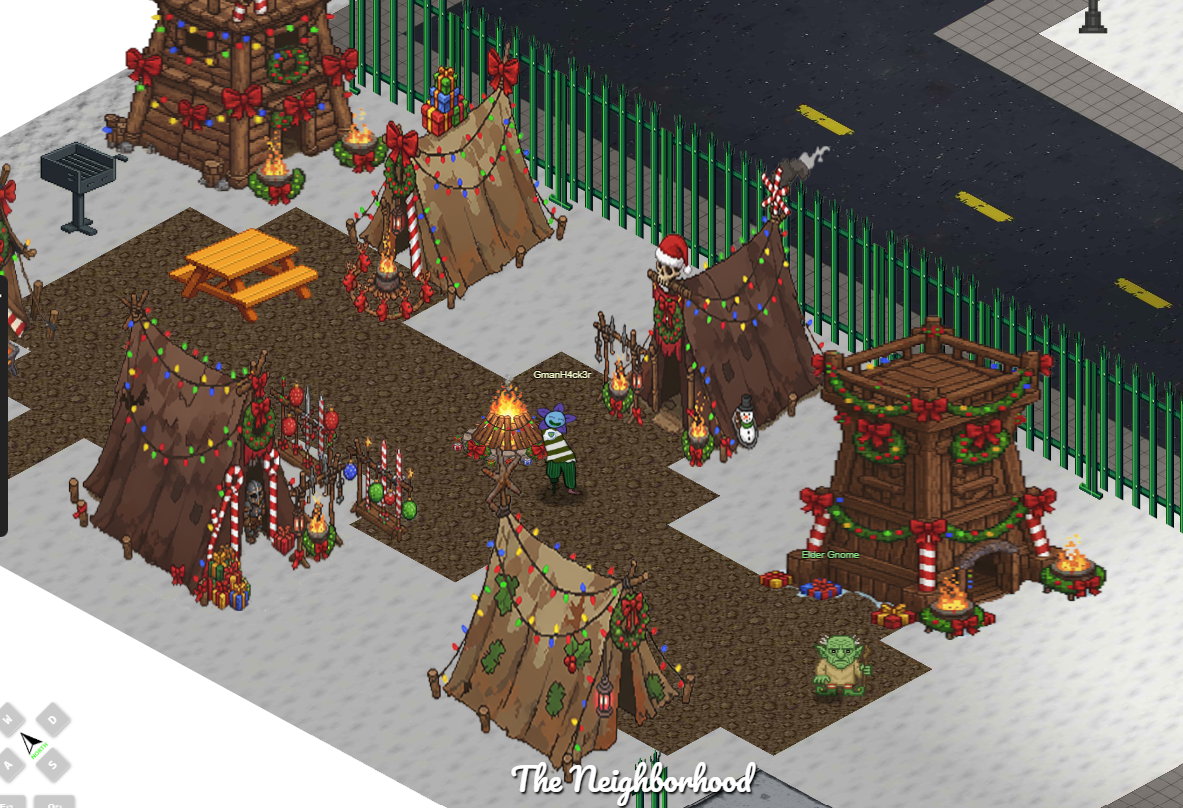
This year, the CounterHack crew organized a couple of Hide and Seek mini-games. The objective was to locate specific CounterHack members on the map, take a screenshot next to them, and post it on social media as proof. Successfully finding them earned you a CounterHack sticker for your avatar.
The first game was organized by Kyle Parrish (aka Arnydo), and I managed to find him:
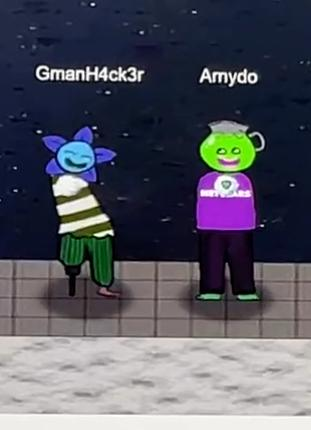
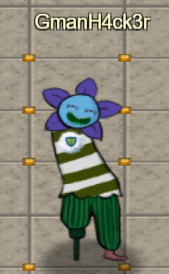
From that point on, I was happy and proud for my avatar to wear the CounterHack sticker:
Unfortunately, I missed the second game, which was organized by Ed Skoudis. I believe that completing both mini games would have rewarded a Santa hat for my avatar. Maybe next year!
What really matters, is that these mini-games prompted me to investigate how navigation and player positioning work in the HHC world. Specifically, I wanted to understand how to:
- Locate other users
- Move my avatar to specific coordinates
- Teleport between areas
It turns out that much of this functionality (including movement, player positions, and area transitions) is controlled via WebSocket messages exchanged between the client and the server.
The following code snippets are intended to be run directly from the browser’s Developer Console.
The first step is to capture the WebSocket used by the game client. We can use the following code (You must move at least once in-game for the WebSocket connection to be established):
//Connect to the WebSocket
//You need to move once to capture the WebSocket
const originalSend = WebSocket.prototype.send;

WebSocket.prototype.send = function(data) {
    if (this.url && this.url.includes('/ws')) {
        window.__gameWebSocket = this;
    }
    return originalSend.call(this, data);
};
Once this runs and you move your character, window.__gameWebSocket will reference the active game WebSocket. Note that this is a dependency for all the other snippets implemented below.
If we investigate the messages exchanged over the WebSocket, we can see three key message types:
- SIDDOWN: Sent by the server. Updates the avatar’s position client-side only. This allows visual movement in the browser without updating the server’s authoritative state.
- MOVE_USER: Sent by the client to the server. Updates the avatar’s position server-side. Other users will see the movement, and the position persists after a reload (if the coordinates are a valid position).
- TELEPORT_USER: Sent by the server when entering a door. Triggers a full area change, updating both the client and server state.
Each message type behaves differently and it is important to understand how to be able to move and teleport the avatar :
- SIDDOWN: Moves your avatar locally. The server does not track this movement. Reloading the page resets your position. Because this is client-side only, it allows movement into normally restricted locations (for example, occupying the same coordinates as an NPC). Other users will not see this movement.
- MOVE_USER: Updates your position on the server. Other users will see your avatar at the new location. However, your own browser will not visually update until the server reflects the change.
- TELEPORT_USER: Triggers a server-side area change and causes the client to load the destination area. Therefore, using it will make the change both server and client side.
Below are examples of using each message type (replace 36359 with your own user ID):
//Teleport to the coordinates. This is done client side.
const event = new MessageEvent('message', {
    data: JSON.stringify({type:"SIDDOWN",location:[[98,20]],userId:"36359"}),
    origin: window.__gameWebSocket.url
  });
window.__gameWebSocket.dispatchEvent(event);

//Teleport to the coordinates. This is done server side.
const ws = window.__gameWebSocket;
if (!ws || ws.readyState !== WebSocket.OPEN) {
  console.error('WebSocket not ready. Move once in-game or wait for the socket to open.');
} else {
  const msg = { type: "MOVE_USER", loc: { "36359": [3, 6] }, areaId: "train" };
  ws.send(JSON.stringify(msg));
  console.log('Sent:', msg);
}

//Move to a different area. This is done server side.
const message = JSON.stringify({
    type: 'TELEPORT_USER',
    destination: 'destination',
    entranceName: 'reset'
});
window.__gameWebSocket.send(message);
For convenience, I normally use SIDDOWN for positioning. Although it is client-side only, moving afterward triggers a MOVE_USER message, synchronizing the position with the server. It is still useful to understand how MOVE_USER works and how to send it because it will allow other fun stuff that I will keep for next year write-up.
Now that we can teleport around the map at will, the final step is to be able to find other players.
We can solve this problem with the WS_USERS WebSocket message. This message updates the list of users in the current area along with their positions. The game reflects this information in the DOM, making it accessible from JavaScript. The following helper function checks whether a specific user is present in the current area and returns their coordinates if found:
function locateUserInCurrentArea(username) {
    if (!username) return { found: false };
    const target = username.toLowerCase();
    const players = document.querySelectorAll('.ent.player');
    for (const p of players) {
        const nameEl = p.querySelector('.player-username');
        const raw = nameEl?.textContent?.trim();
        if (!raw) continue;
        // Strip any appended coord label like "Name [12,34]"
        const clean = raw.replace(/\s*\[\s*-?\d+\s*,\s*-?\d+\s*\]\s*$/, '').trim();
        if (clean.toLowerCase() === target) {
            const loc = p.getAttribute('data-location');
            const [x,y] = loc ? loc.split(',').map(Number) : [null, null];
            return { found: true, username: clean, x, y, element: p };
        }
    }
    return { found: false };
}
window.locateUserInCurrentArea = locateUserInCurrentArea;
For example:

If the target user is not in the current area, we can iterate through all known areas, teleporting room by room until the user is found:
const DEFAULT_AREAS = [
    'train',
    'city',
    'hotellobby',
    'cityhall',
    'sasabune',
    'edoffice',
    'apartment',
    'gnomefactory',
    'datacenter',
    'datacentermaze',
    'retroshop',
    '24seven',
    'netwars',
    'snowlab',
    'shenanigans'
    ];

// Helper funtion to send TELEPORT_USER
function _locate_switchToArea(destination) {
    if (!window.__gameWebSocket) throw new Error('WebSocket not found: move once in-game to initialize window.__gameWebSocket');
    try {
        window.__gameWebSocket.send(JSON.stringify({
            type: 'TELEPORT_USER',
            destination: destination,
            entranceName: 'reset'
        }));
    } catch (e) {
        throw new Error('Failed to send TELEPORT_USER: ' + e.message);
    }
}
window._locate_switchToArea = _locate_switchToArea;

// Search for a username across multiple areas.
// Returns a Promise that resolves with the first positive result or { found: false }.
// Options: { delay = 2000, areas = null }
// - delay: milliseconds to wait after switching area for the DOM to update
// - areas: optional array of area names to search; if null uses Object.keys(GAME_AREAS) when available
function findUserAcrossAreas(username, options = {}) {
    const {
        delay = 2000, areas = null
    } = options;
    return new Promise(async (resolve, reject) => {
        if (!username) return resolve({
            found: false
        });
        // Determine areas list: use provided `areas`, then `GAME_AREAS` keys, then DEFAULT_AREAS fallback
        let areaList = areas;
        if (!areaList) {
            if (window.GAME_AREAS && typeof window.GAME_AREAS === 'object') {
                areaList = Object.keys(window.GAME_AREAS);
            } else {
                areaList = Array.isArray(DEFAULT_AREAS) ? DEFAULT_AREAS.slice() : [];
            }
        }
        if (!window.__gameWebSocket) {
            return reject(new Error('WebSocket not found. Move once in-game to initialize window.__gameWebSocket before using cross-area search.'));
        }
        // Iterate areas sequentially
        for (let i = 0; i < areaList.length; i++) {
            const areaName = areaList[i];
            const areaData = (window.GAME_AREAS && window.GAME_AREAS[areaName]) || null;
            const dest = areaData && areaData.destination ? areaData.destination : areaName;
            try {
                _locate_switchToArea(dest);
            } catch (err) {
                return reject(err);
            }
            // Wait for map load / DOM update
            await new Promise(r => setTimeout(r, delay));
            const found = locateUserInCurrentArea(username);
            if (found && found.found) {
                found.area = areaName;
                found.teleportCommands = {
                    area: `tpla("${areaName}")`,
                    player: `tpu("${found.username}")`,
                    coordinates: `tpl(${found.x}, ${found.y})`
                };
                return resolve(found);
            }
        }
        return resolve({
            found: false
        });
    });
}
window.findUserAcrossAreas = findUserAcrossAreas;
We can use the above as follow:
findUserAcrossAreas('<username>')That will teleport us through each area and stops as soon as the user is found. Once located, you can retrieve their exact coordinates with locateUserInCurrentArea('<user>') and teleport to them using SIDDOWN or MOVE_USER as previously shown.
Exploring Inaccessible Areas
Beyond Hide & Seek, this technique allows access to areas that are normally unreachable.
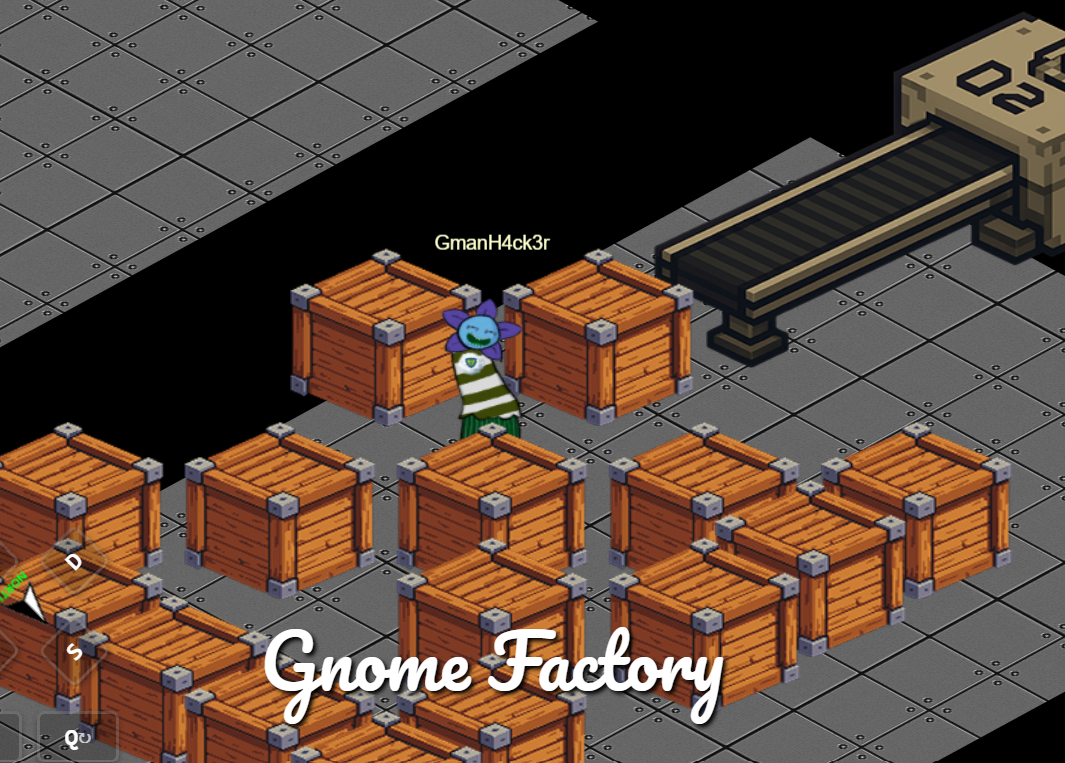
For example, using for example coordinates [2,9] at Gnome Factory, you can enter the below area:
Or reach the gnome barbeque area in the city: